( Moom 3.2.11 )
 Loading...

Moom 3.2.11
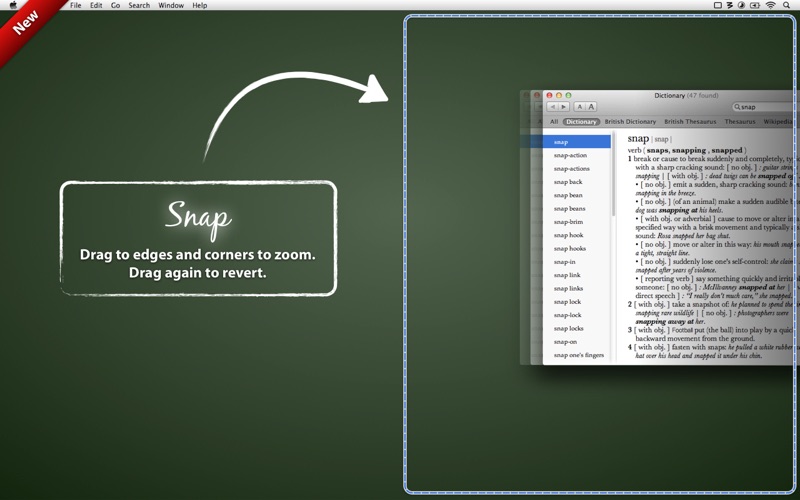
Moom allows you to easily move and zoom windows—on one display, or to another display—using either the mouse or the keyboard. Moom lets you…
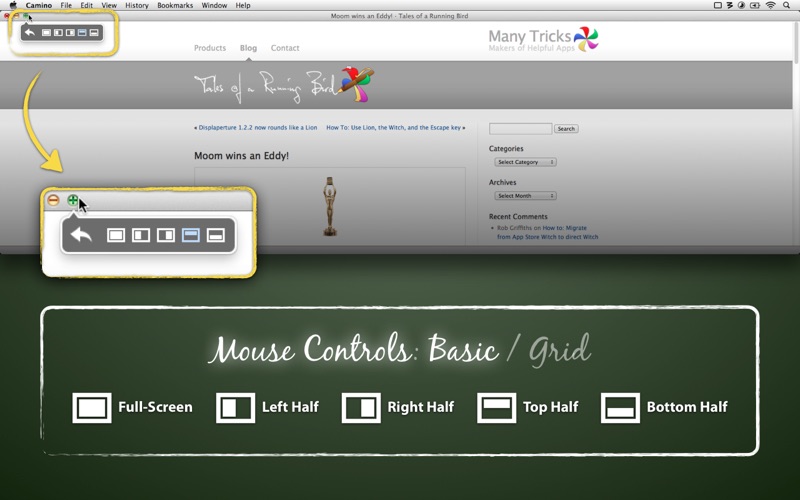
- Hover over the green button and choose from five preset size/location options in a popup palette
- Use a grid to ‘draw’ a window’s desired size and location
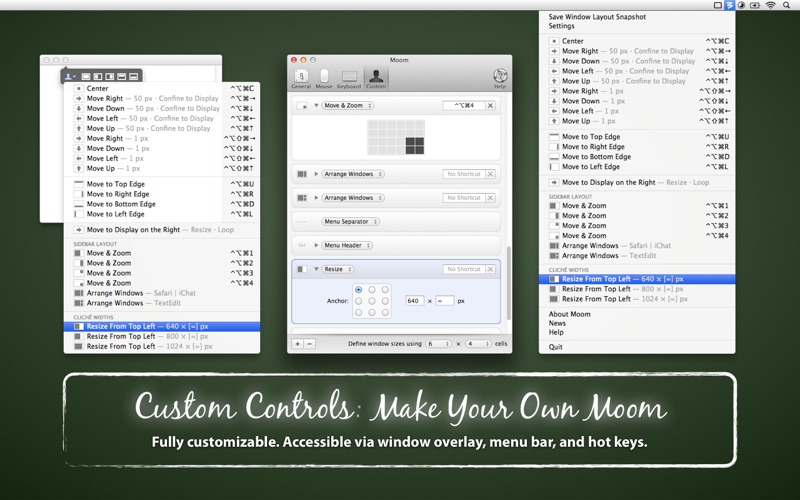
- Define custom controls to move and zoom, move to other display, center, resize, and more
- Chain custom controls together to execute complex window management tasks
- Save window layouts to easily recreate a desired window arrangement at any time
- Automatically activate saved window layouts on changes in monitor layout, as in when you disconnect from your work display and then open your laptop at home
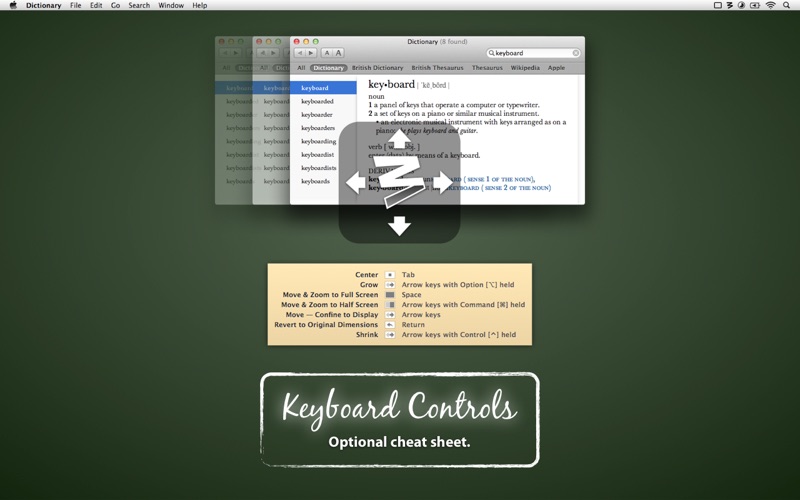
- Use keyboard mode to do all of this, and more, without ever touching a mouse
Once you’ve tried Mooming your windows, you’ll never go back to simply moving and zooming them again.
OS Version: OS X 10.7 or later
Web Site: https://manytricks.com/moom
Mac App Store: https://itunes.apple.com/app/moom/id419330170?mt=12
What’s New in Moom 3.2.11
- Fixed an issue that was causing slowerthanexpected fullscreen grid animation while moving and dragging.
- Fixed a bug related to moving a window to another display then resizing using keyboard mode.
Screenshots
| Name | Moom_3.2.11__TNT.rar |
|---|---|
| Size | 7.33 MB |
| Created on | 2018-05-16 02:23:19 |
| Hash | 5b14917ec1e0d7801c8a90618e249c3a2f0f050f |
| Files | Moom_3.2.11__TNT.rar (7.33 MB) |