( Presentify 8.0.6 )
 Loading...
Presentify 8.0.6 for Mac
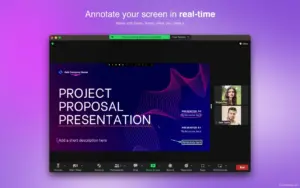
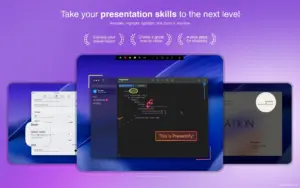
Presentify is a native macOS menu bar app for screen annotation during presentations, demos, and video tutorials—draw on any screen and keep your audience focused on what matters.
Version 8.0.6 is a maintenance update with a fix for the tool indicator behavior in Settings.
What Presentify does
Screen annotation
- Draw over any app—Zoom, Google Meet, Keynote, PowerPoint, PDFs, code, and more
- Pens, highlighters, arrows, shapes, text, gradients, and auto-erase timers
- Multi-monitor support for annotation across displays
Cursor tools
- Cursor Highlight — ring, squircle, or rhombus around the pointer with click animations
- Spotlight — dim the screen and focus attention on one area
- Zoom — magnify details that follow your cursor
Whiteboard & input
- Draw on a customizable whiteboard (or colored board) instead of over other apps
- iPad via Sidecar, Astropad, or Duet; drawing tablets such as Wacom and XP-Pen
- Keyboard shortcuts and Stream Deck-friendly workflow; draggable control panel
What’s new in v8.0.6
- Fixes an issue where the tool indicator was shown all the time when enabled in Settings
Requirements & licensing
System
- Version: 8.0.6
- macOS: 13.0 or later
- Size: ~1 MB download; lightweight native app
License
- Available on the Mac App Store, Setapp, and direct purchase via Polar
- One-time purchase or subscription depending on channel
Official: Presentify